
Model Context Protocol (MCP) is an open-source standard introduced by Anthropic in November 2024 that provides a secure, universal language for AI models to communicate with external data sources, applications, and services. Before MCP, Large Language Models (LLMs) were largely constrained by their frozen training data. To give an AI access to a company database, a live calendar, or a local file system, developers had to write custom, fragmented integration code for every single tool.
MCP functions as the "USB-C interface" for the AI industry. It standardizes how AI agents read data and execute actions, transforming generative AI from a passive, conversational assistant into an active, operational participant in real-world workflows.
The "M × N" Integration Problem MCP Solves
Historically, the AI ecosystem has suffered from the "M × N problem." If there are M different AI models or applications and N different data sources (like Slack, GitHub, local databases, and CRMs), developers had to build and maintain M × N custom connectors. Every time an API updated or a new model was released, these hardcoded integrations broke.
MCP simplifies this equation to M + N. By establishing a standardized protocol based on JSON-RPC 2.0, AI application developers only need to build support for MCP once. Conversely, tool providers only need to build one MCP server. This universal adapter approach shifts the burden of maintaining tool schemas away from the AI developer and back to the tool providers, eliminating massive maintenance overhead.
Core Architecture: Hosts, Clients, and Servers
The Model Context Protocol operates on a strict, standardized architecture designed to separate the AI's reasoning capabilities from the external system's data and logic.
- The MCP Host: This is the application the user interacts with. It could be an IDE, a chat interface, or a specialized AI coding assistant. For example, when developers compare environments like Claude Code vs OpenAI Codex, the host is the software layer that manages the user interface and the overarching AI context.
- The MCP Client: Living inside the Host, the Client translates the AI's requests into the standardized MCP format. A structural rule of the protocol is that there is a strict one-to-one relationship between an MCP Client and an MCP Server. However, a single Host can run multiple Clients simultaneously to connect to various servers.
- The MCP Server: This is a lightweight wrapper placed over an external service or database. It exposes the service's capabilities to the Client.
MCP supports two primary transport mechanisms for communication between the Client and Server:
- STDIO (Standard Input/Output): Used for local integrations. It offers low latency and high security, making it ideal for desktop applications or IDEs that need to read local files without uploading them to the cloud.
- SSE (Server-Sent Events): Used for remote integrations over HTTP/HTTPS. This is highly scalable and ideal for enterprise cloud deployments where the AI needs to query remote databases or SaaS APIs.
The Three Primitives of MCP
MCP standardizes interactions into three core primitives, which loosely map to traditional REST API concepts:
- Resources (The "GET" Equivalent): Resources provide read-only context to the AI. Architectural demonstrations reveal that Resources flow directly from the MCP server into the AI's prompt to create "grounding" before the model generates a response. They use standard URI formatting to differentiate locations (e.g.,
file:///for local files orhttp://for internet data). - Tools (The "POST/PUT" Equivalent): Tools are executable actions. They allow the AI to do things like execute a SQL query, send an email, or update a CRM record. Crucially, MCP acts as a wrapper for legacy code. Decades-old code that knows how to put meeting invites on a calendar can be exposed as an MCP Tool, making it instantly accessible via natural language without rewriting the underlying logic.
- Prompts: These are reusable workflow templates and instructions provided by the server to help the AI understand how to interact with the specific domain data.
How MCP Works Under the Hood
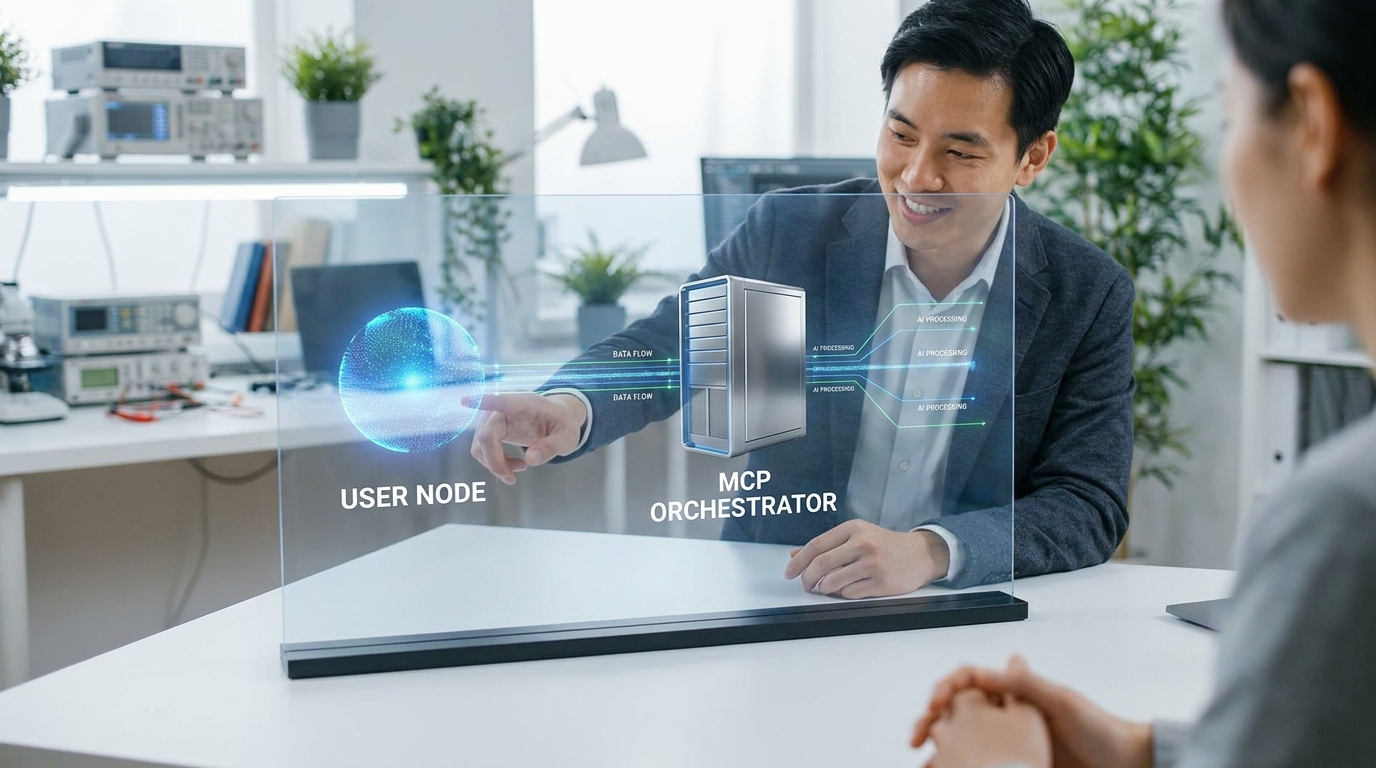
A critical nuance of MCP is that the AI model does not execute tool code directly. Instead, an "Orchestrator" sits between the user, the LLM, and the MCP Clients. Modern agent frameworks, such as those evaluated in OpenClaw vs Hermes AI Agents, rely heavily on this orchestration layer to manage complex, multistep tasks.
📺 AI Agents with MCP Explained
The 6-Step MCP Orchestration Workflow
| Step | Action | Description |
|---|---|---|
| 1. User Request | Task Initiation | The user asks the Host application a question (e.g., "Update my database"). |
| 2. Context Assembly | Agent to LLM | The Orchestrator sends the user's prompt along with a list of available MCP Tools and their descriptions to the LLM. |
| 3. AI Reasoning | LLM Decision | The LLM analyzes the request, realizes it needs external data, and replies to the Orchestrator with instructions to use a specific tool. |
| 4. Tool Execution | Orchestrator to Server | The Orchestrator (not the LLM) invokes the MCP Client, which sends a JSON-RPC request to the MCP Server to execute the code. |
| 5. Result Return | Server to Agent | The MCP Server executes the action (e.g., running the SQL query) and returns the raw data back to the Orchestrator. |
| 6. Final Generation | LLM to User | The Orchestrator feeds the tool's result back to the LLM, which synthesizes the data into a natural language response for the user. |
Security and Best Practices for Implementation
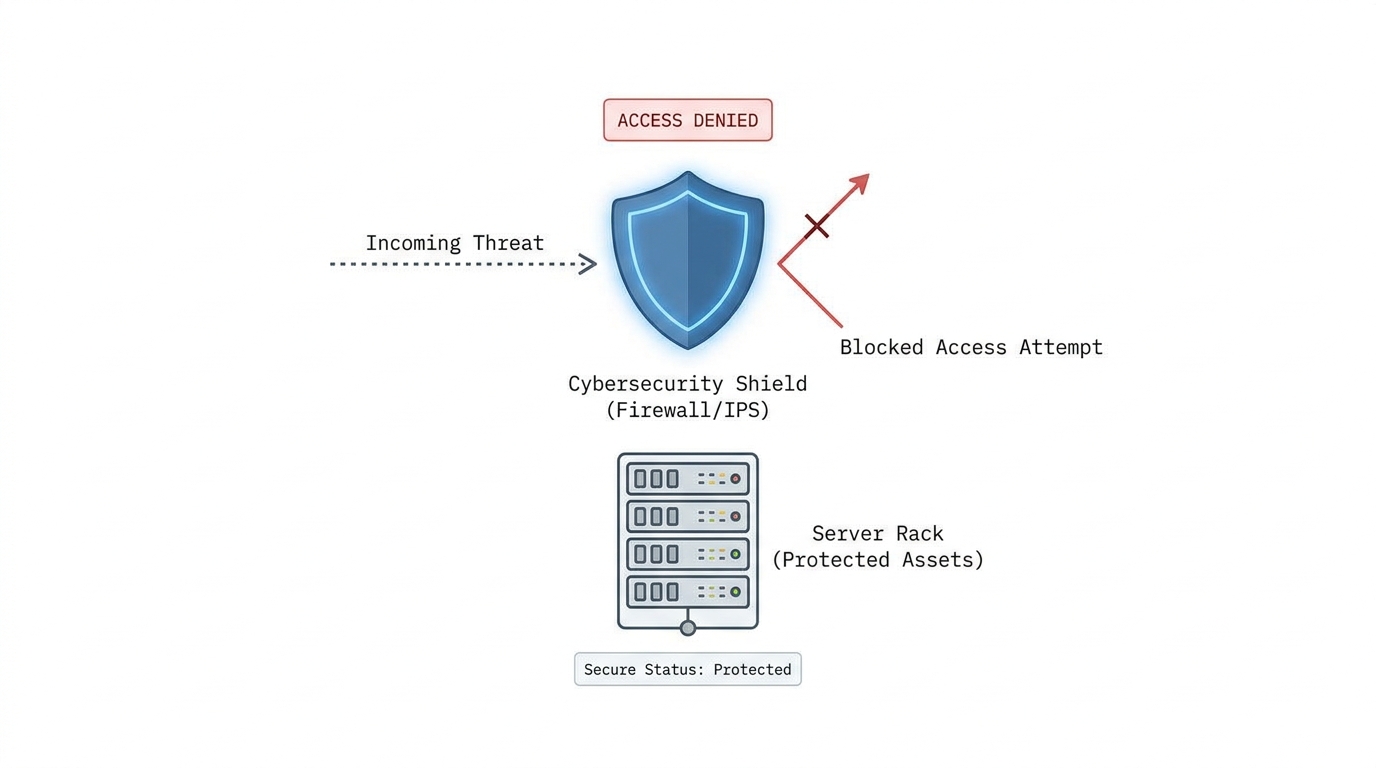
Giving autonomous AI agents access to databases and file systems introduces significant security challenges. Because AI tools act on behalf of users in the background, traditional interactive login flows (like OAuth pop-ups) are often impossible during a multistep reasoning loop.
To secure MCP implementations, developers must enforce strict boundaries at the Server level:
- Authentication: Use Personal Access Tokens (PATs) combined with Role-Based Access Control (RBAC) to ensure the AI only accesses data the human user is authorized to see.
- Command Filtering: The MCP Server must act as a firewall. It should strictly validate parameters (using schema validation libraries) and filter out dangerous commands (such as
rm -rfor destructiveDROP TABLESQL queries) before execution. - Clear Tool Descriptions: Because the LLM relies entirely on the tool's text description to decide whether to use it, developers must write highly descriptive, unambiguous tool definitions. Poor descriptions lead to AI hallucinations and incorrect tool selection.
Current Limitations: The "Too Many Tools" Problem
While MCP is powerful, current industry testing reveals a major scaling limitation. If a developer registers 20 or 30 different MCP servers to a single agent, the Orchestrator must pass that massive list of available tools to the AI model's context window.
When presented with too many options, the LLM can easily get confused, hallucinate tool names, or hit hard token limits. To solve this, the industry is currently experimenting with using Retrieval-Augmented Generation (RAG) specifically for tool selection. Instead of feeding the LLM every available tool, the system performs a similarity search against the user's prompt to find only the top three or four most relevant MCP tools, narrowing the list before presenting it to the AI.
What to Ignore in the MCP Hype
As MCP gains traction, several misconceptions have emerged that should be ignored:
- Ignore the "RAG Killer" Myth: MCP does not replace RAG; they are complementary. RAG is a methodology for retrieving unstructured text from vector databases to augment generation. MCP is the standardized transport layer that can actually connect a RAG system to an LLM, while also adding the ability to take two-way action.
- Ignore Enterprise Vendor Lock-in Claims: Some cloud providers frame MCP as a proprietary feature of their specific ecosystem. MCP is an open-source standard. You do not need a specific enterprise platform to build or host an MCP server.
- Ignore "Zero-Setup" Promises: While MCP standardizes the connection, building a secure MCP server still requires rigorous engineering, parameter validation, and access control. It is not a magic bullet that safely exposes enterprise data without oversight.
Frequently Asked Questions (FAQs)
Who created the Model Context Protocol?
MCP was introduced by Anthropic in November 2024. However, it was released as an open-source standard to encourage industry-wide adoption across different LLMs and development environments.
How does MCP differ from traditional Function Calling?
Traditional function calling required AI application developers to hardcode and maintain the JSON schemas for every external tool directly within their app. MCP shifts this responsibility to the tool providers, standardizing the connection so the AI app can dynamically discover tools without custom code.
Can MCP interact with local files on my computer?
Yes. By using the STDIO (Standard Input/Output) transport mechanism, an MCP server can run locally as a separate process on your machine, allowing an AI Host (like a desktop IDE) to securely read local files without uploading your hard drive to the cloud.
Does the AI model execute the code provided by an MCP Tool?
No. The AI model only generates the text instructions (the JSON payload) requesting that a tool be used. The actual execution of the code happens on the MCP Server, orchestrated by the Host application.
Why is my AI agent failing to select the right MCP tool?
This is usually caused by poor tool descriptions or context overload. The LLM relies entirely on the text description provided by the MCP Server to understand what a tool does. If you have too many tools registered, or if their descriptions are vague, the model will struggle to select the correct one.
Turn keyword lists into publishable articles
Install AI Article Agent, upload your topics, and build a repeatable workflow from keywords to structured SEO articles.